Greet every guest by name, know their seat, their requests and who invited them
Track the arrivals at a glance, see who has landed on each table, and be present with the room. Net Hub Admin puts your management portal in your hand and reads the same live data as your desktop dashboard, so you are looking at people rather than a laptop.
Included with every Net Hub plan. It installs in under a minute from your browser, with the login you already have.
You know this evening well
Sixty people are arriving in the next twenty minutes.
- The guest list is on a desktop screen, and you are on your feet.
- Somebody asks which table they are on while three more people wait behind them.
- The kitchen wants final covers and allergies before service.
- The venue would like the numbers you already have.
- The night's takings sit on a dashboard you will not open until Monday.
Net Hub Admin has all five in your hand before the room fills.
Six jobs, done standing up
These are the screens built for the moment you are on your feet. The rest of the portal is there too, laid out to read on a phone.
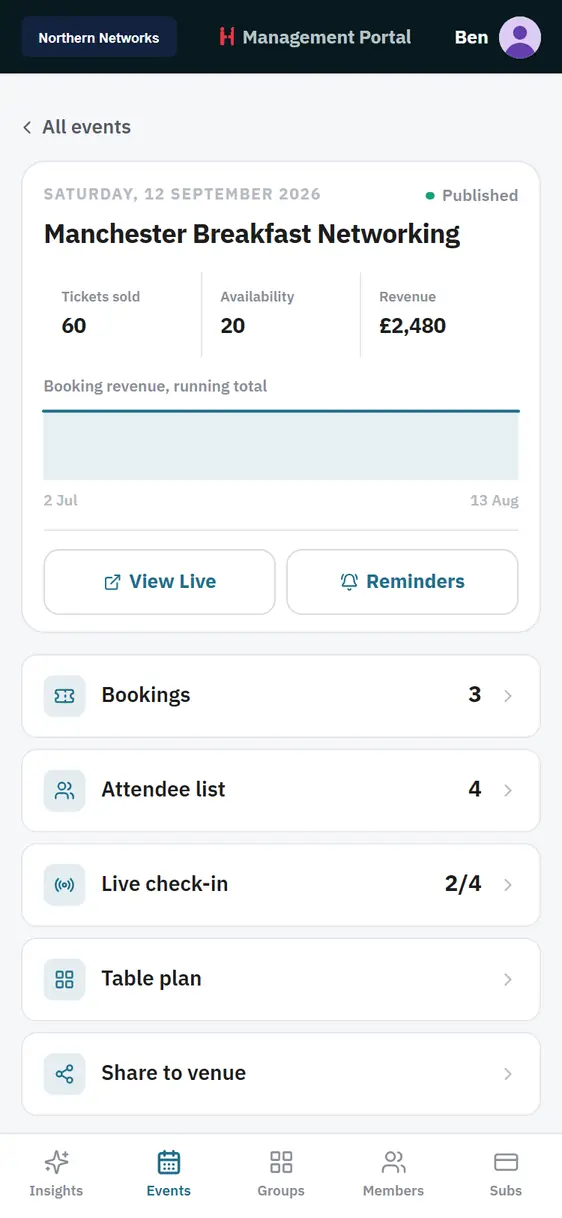
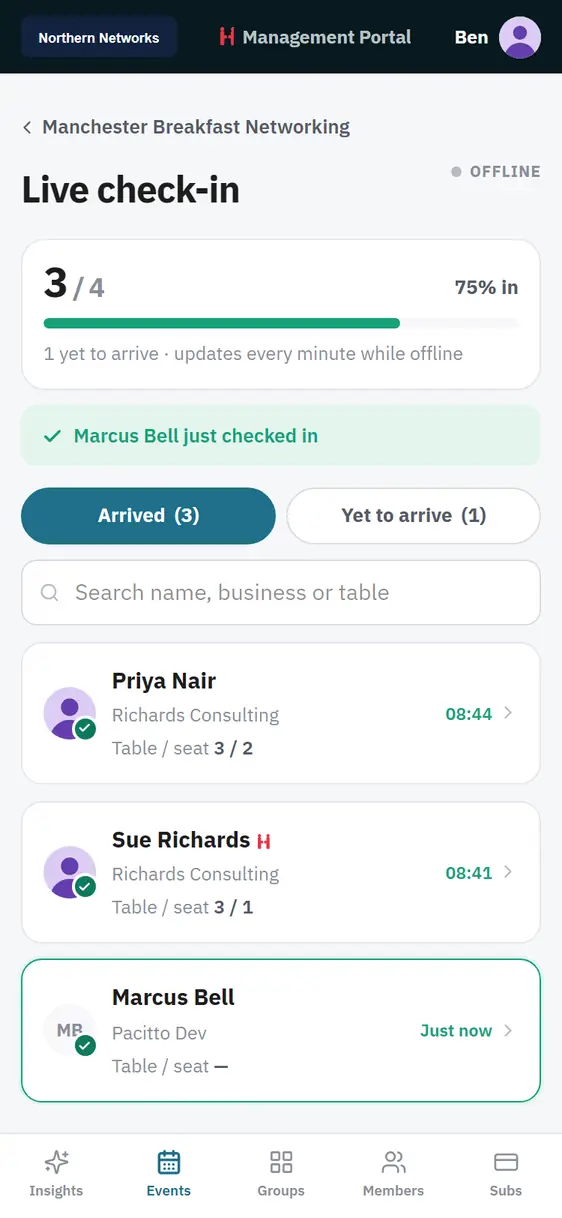
Live check-in
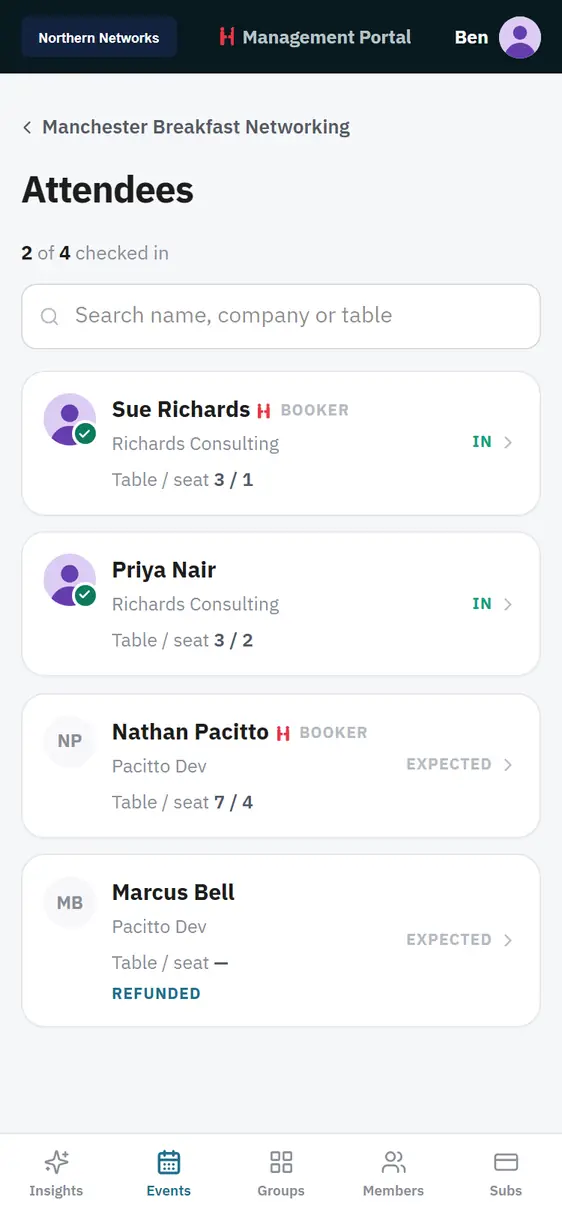
Arrivals appear as they happen. A bar across the top tracks attendance, and separate lists show who is in and who is still to come.
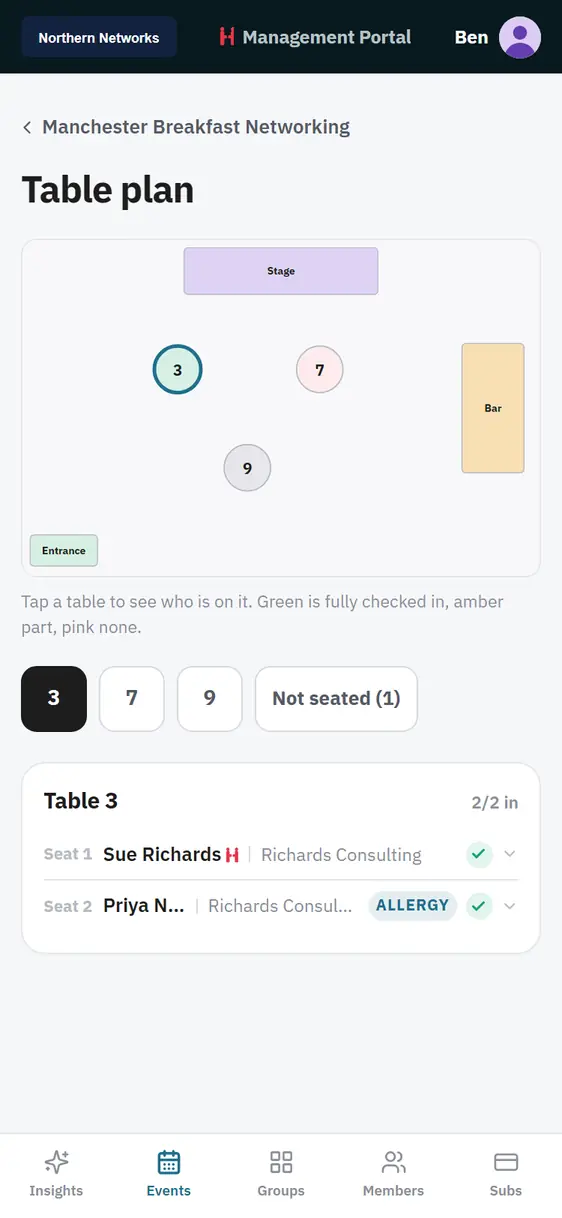
Table plan
Your room drawn to scale, with tables coloured by how many people have arrived. Tap a table to see who is on it and any allergies.
Attendee search
Search the whole guest list by name, business or table while someone stands in front of you.
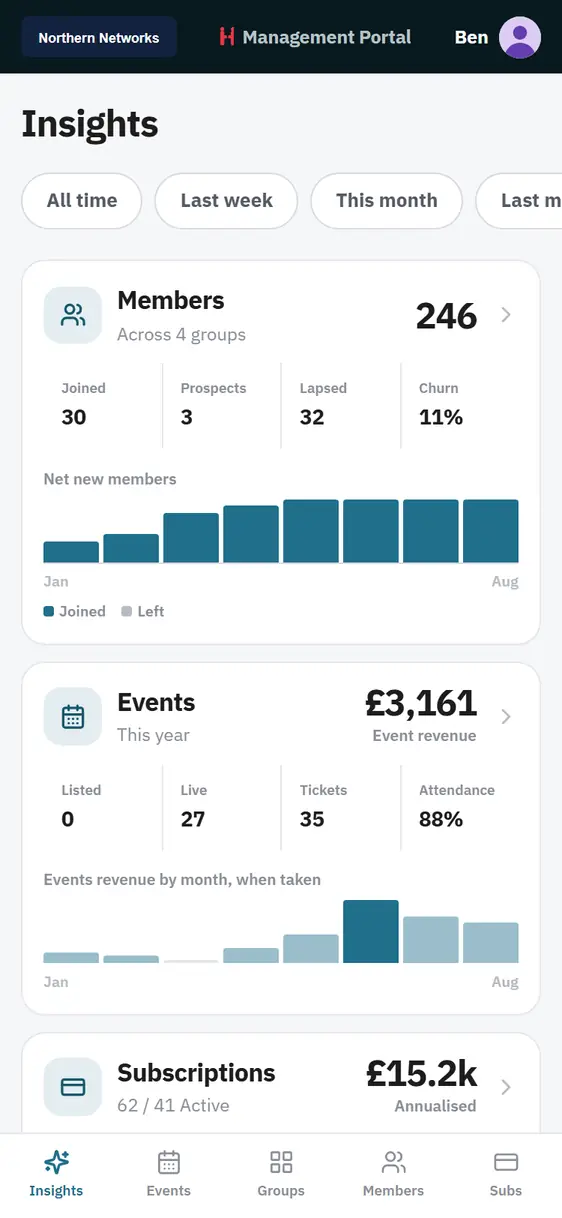
Insights
Members, events, subscriptions and referrals on one screen. Switch the period from all time down to last week.
Groups and members
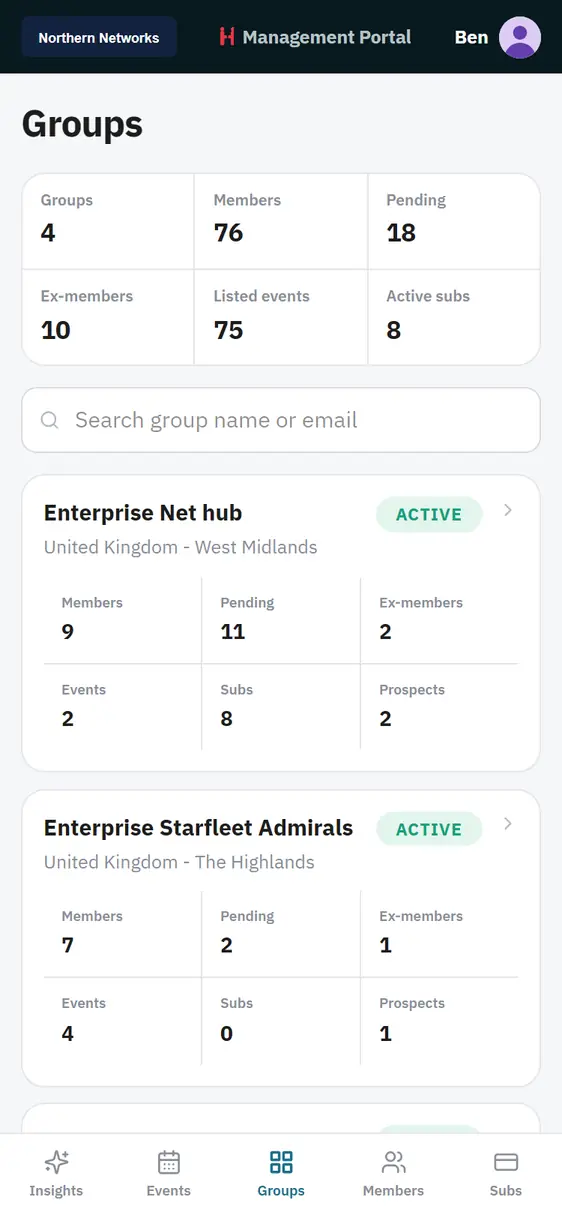
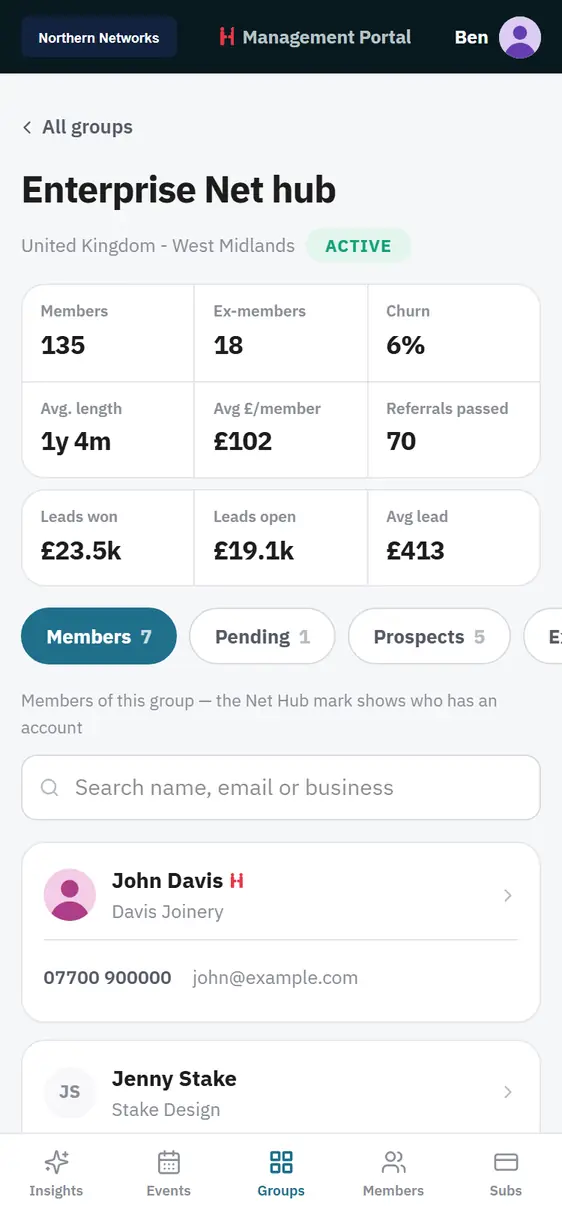
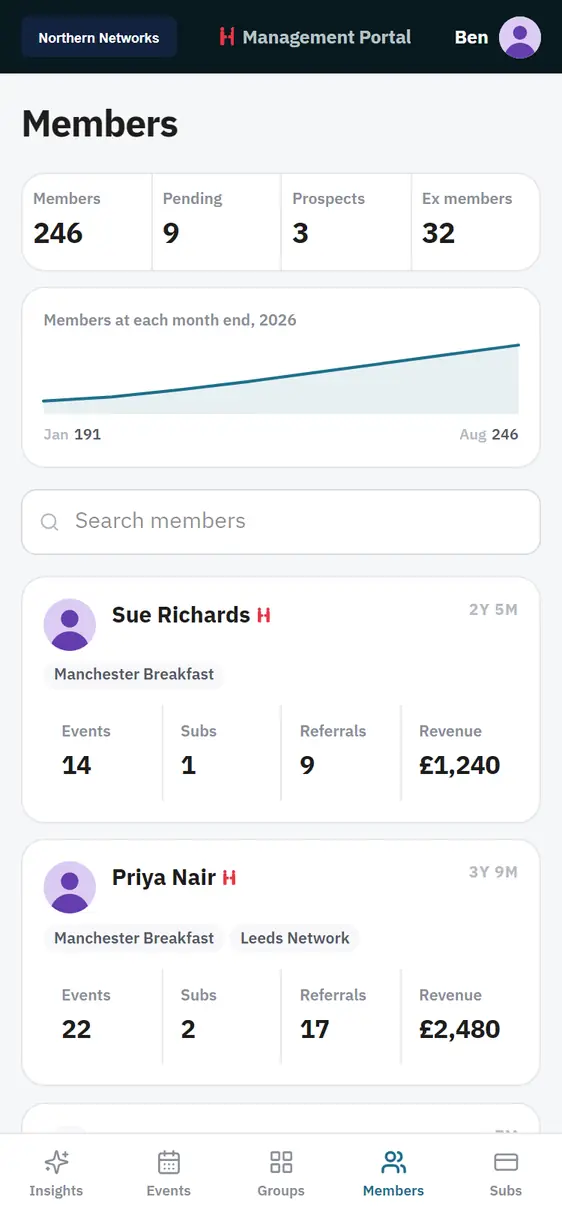
Every group and every member, searchable, split by member, pending, prospect and ex-member.
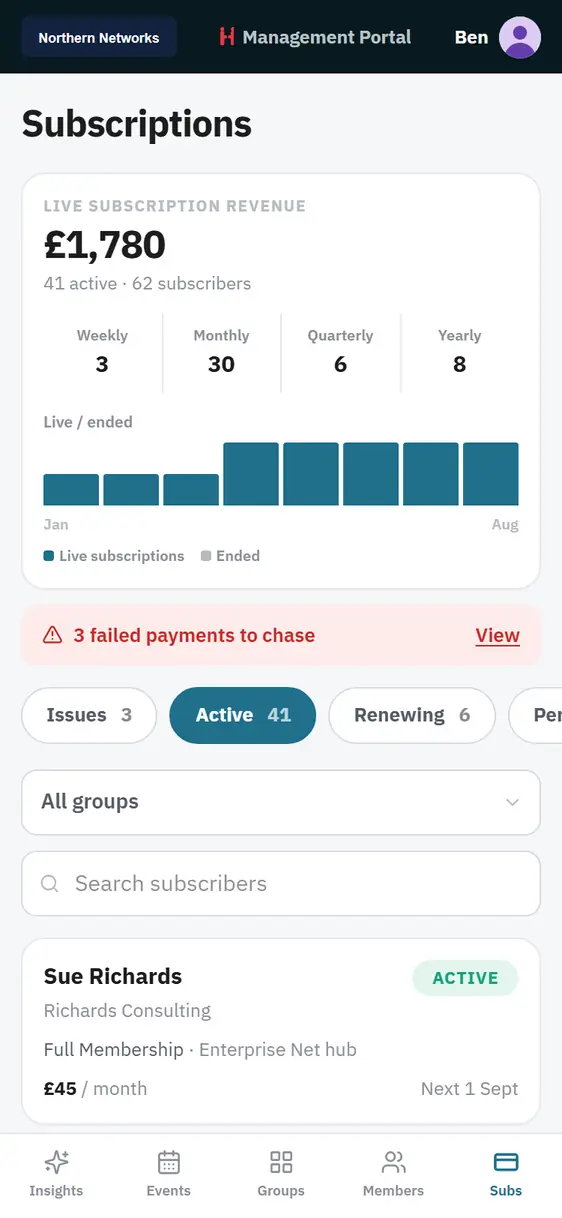
Subscriptions
Revenue, status chips and a banner listing the failed payments worth a quiet word this week.
Every screen here is the real app
We captured these from the live build. The teal belongs to one customer's brand. The app takes its colour from your organisation.
The count keeps itself
Guests scan in and the list moves in front of you, so you can spend the twenty minutes at the door talking to people instead of ticking them off. The bar at the top tells you where you stand at a glance, and the app carries on updating when the venue wifi gives out.
- Arrived and yet to arrive as separate tabs
- A running attendance percentage
- Search by name, business or table
- Carries on working on a weak connection
"Which table am I on?" answered in seconds
The floor plan you built on desktop, drawn to scale on your phone. Green tables are fully in, amber part, pink none. Tap one to see the seats, the names and anything the kitchen needs to know, so nobody is left hovering with a plate.
- Stage, bar and entrance in place
- Tables coloured by check-in
- Seat by seat names and businesses
- Allergies flagged on the guest
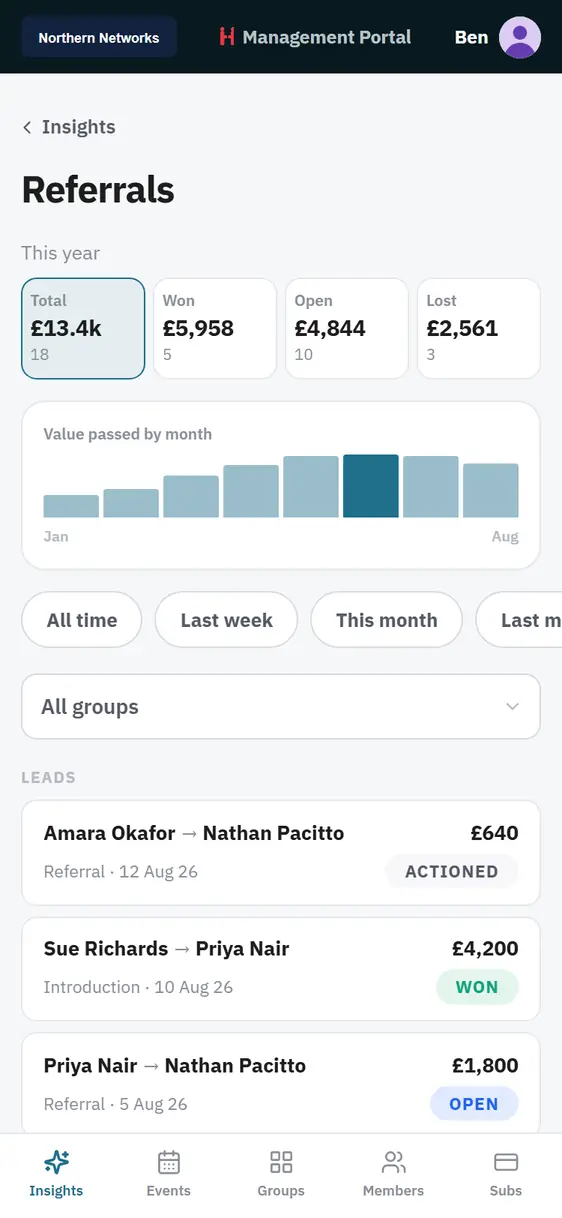
Know the number before Monday
Four cards answer the questions you ask most: how many members you have, how the events are selling, what the subscriptions are worth, and what the referral pipeline looks like. If a payment has failed, you will see it in time to have a friendly word rather than an awkward one.
- Members, joined, prospects, lapsed and churn
- Event revenue by month
- Annualised subscription value
- Referral pipeline and value passed
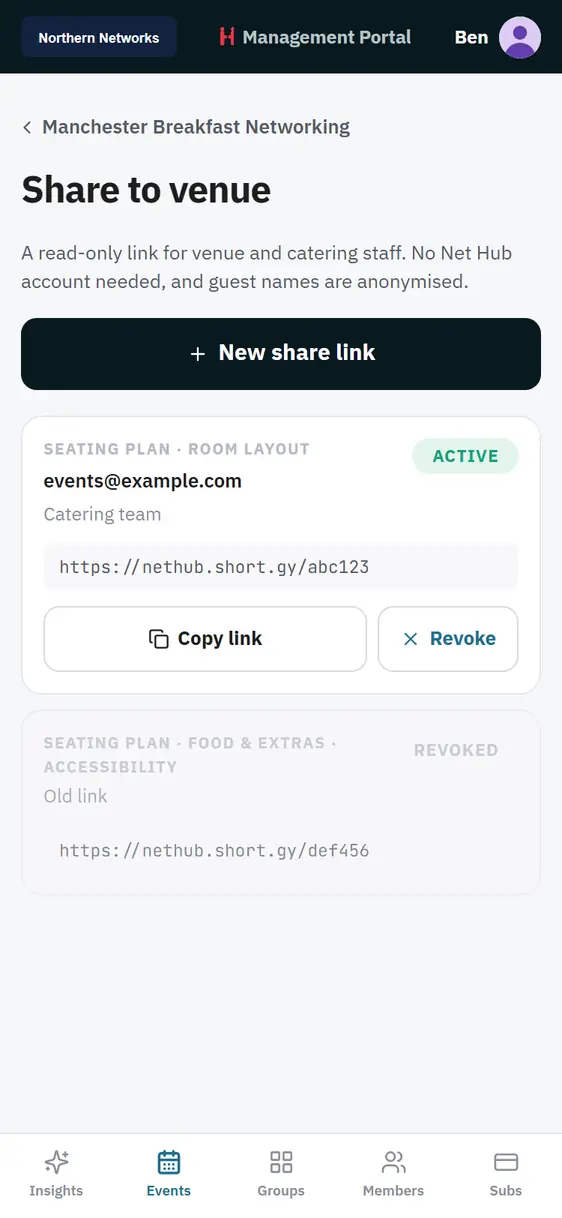
Send a link, not a spreadsheet
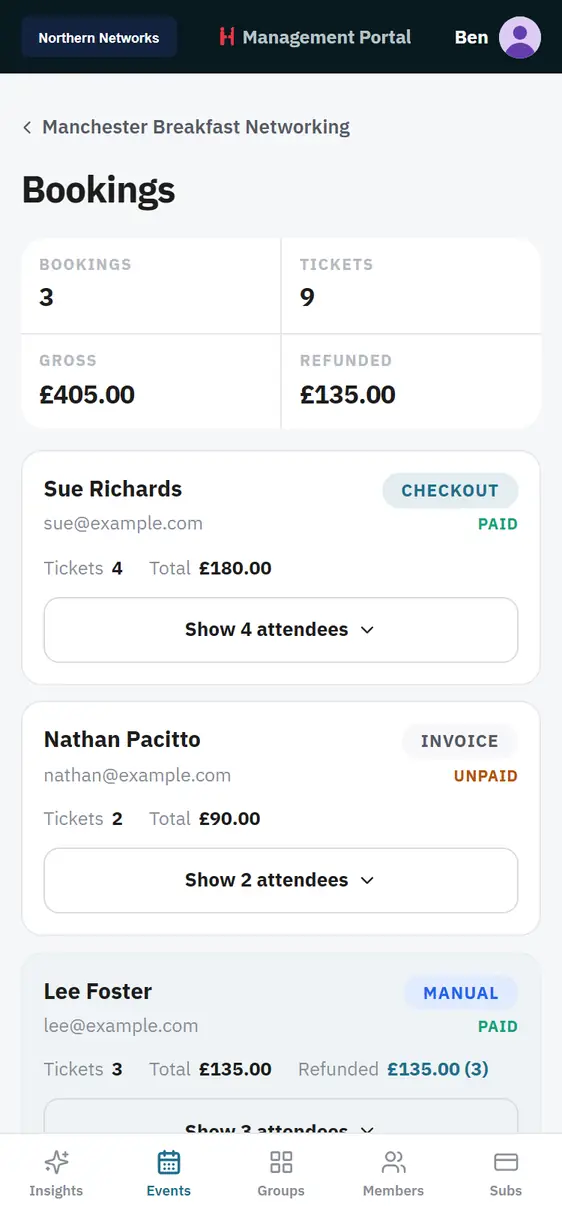
Create a read-only link for the venue and the caterers. They see numbers, table layout and dietary requirements, which is everything they need to look after your guests. They sign in to nothing, and your member list stays yours.
- Read-only, and the venue needs no account
- Covers, layout and dietary needs
- You can revoke a link the moment the event is over
Fifteen screens, five sections
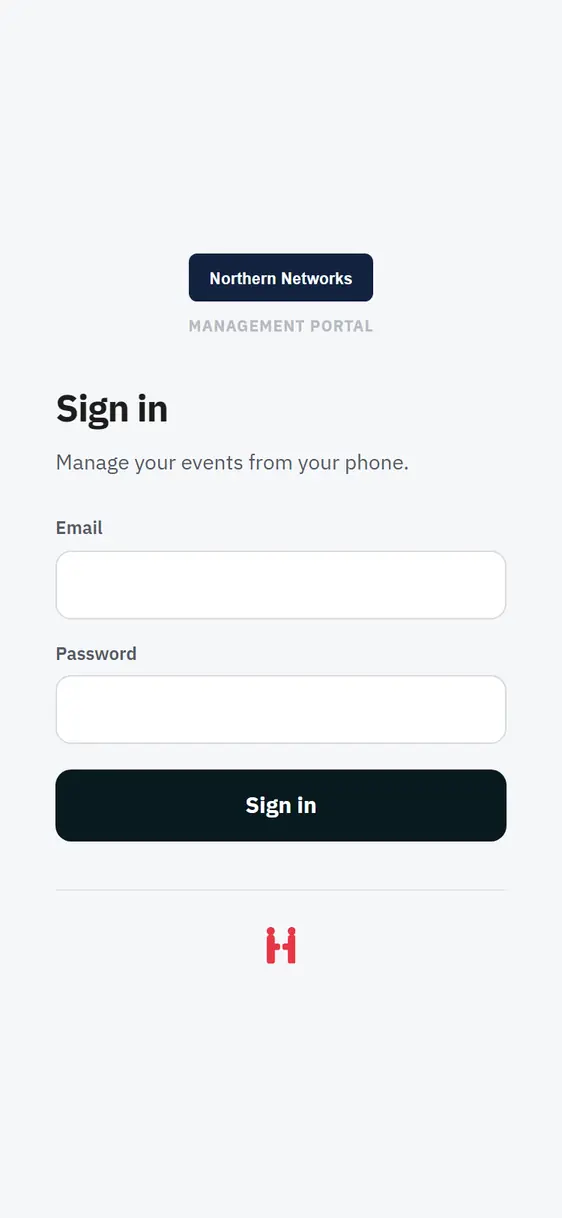
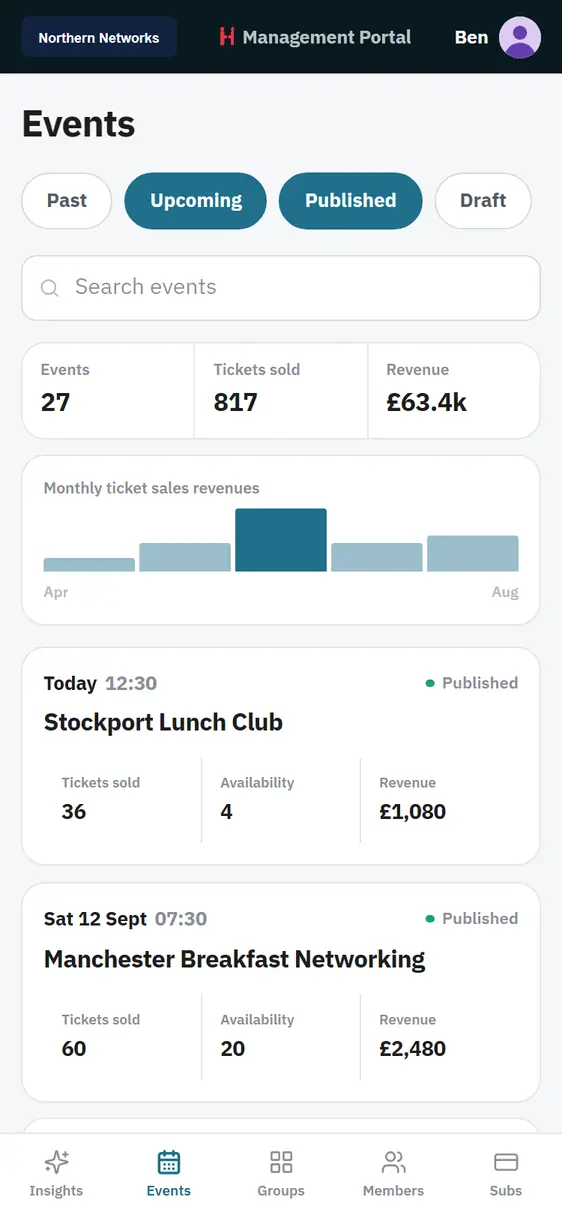
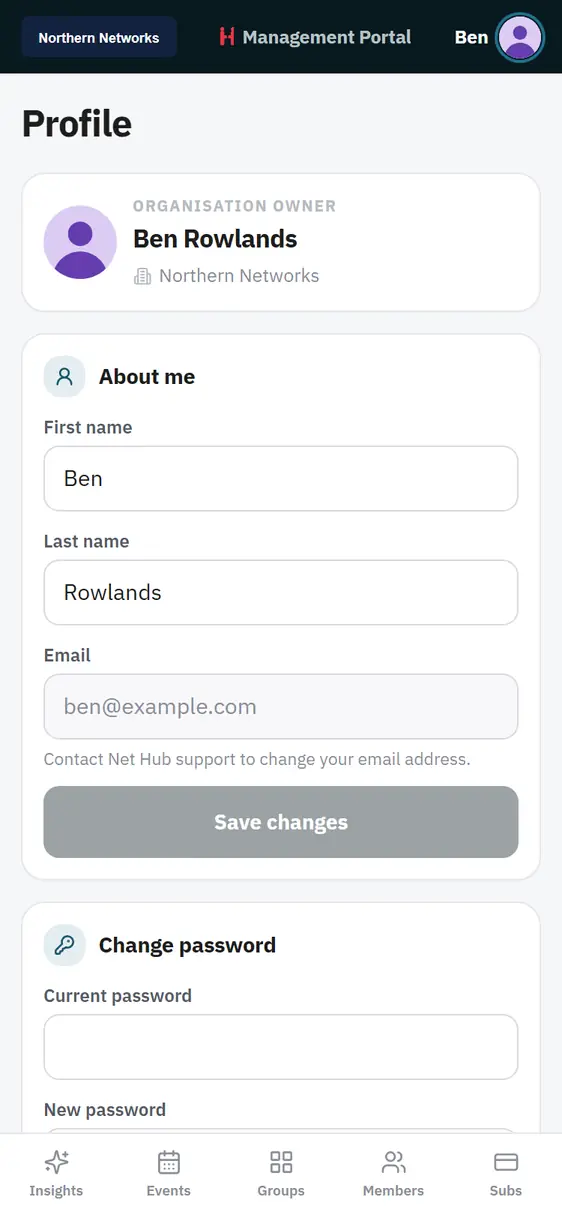
Insights, Events, Groups, Members and Subs sit in the bottom bar. Every image below is a capture of the running app.
Nothing to buy, nothing to set up, nothing to learn
Most tools ask for a week before they give anything back. This one is useful at your next event.
- No extra cost. Net Hub Admin is included with every plan, at every level.
- No app store. It installs from your browser in under a minute.
- No new account. It uses the portal login you already have.
- No setup. Your events, members and table plans are already in there.
- No new habits. It is the portal you know, laid out for a phone.
Add it to your home screen in under a minute
Sign in once at admin.mynethub.com/app and the app offers to install itself. Would you like to try it before your next event?
iPhone and iPad
- Open admin.mynethub.com/app in Safari and sign in with your portal details.
- Tap Share, then Add to Home Screen, then Add.
- Open it from your home screen. It runs full screen and lands on your events.
Android and Chrome
- Open admin.mynethub.com/app and sign in with your portal details.
- Tap Install on the banner under the page heading.
- Open it from your home screen. It runs full screen and lands on your events.
Two apps, two jobs
Net Hub Admin is your own view of the portal. Your members have their own branded Net Hub app for booking events, chatting and managing their subscriptions. Both run on the same live data.
You built this room. Now you can run it from anywhere in it.
Every Net Hub plan includes Net Hub Admin. Start a free trial and it is there the moment you sign in. If you would rather see it on your own events first, book a call and we will walk you through it.